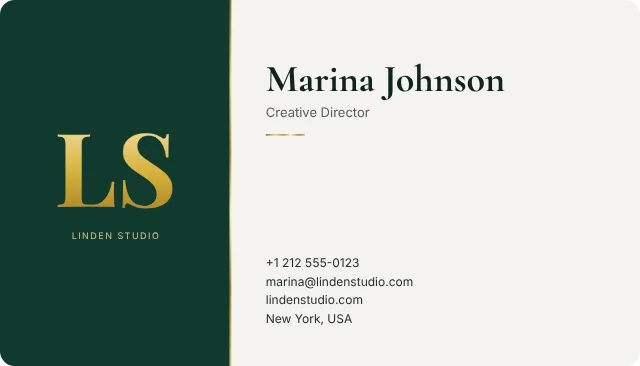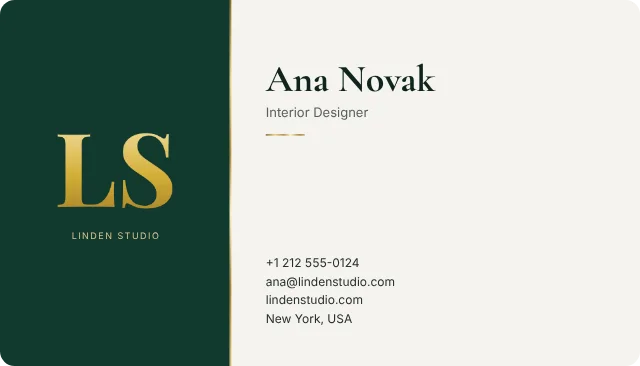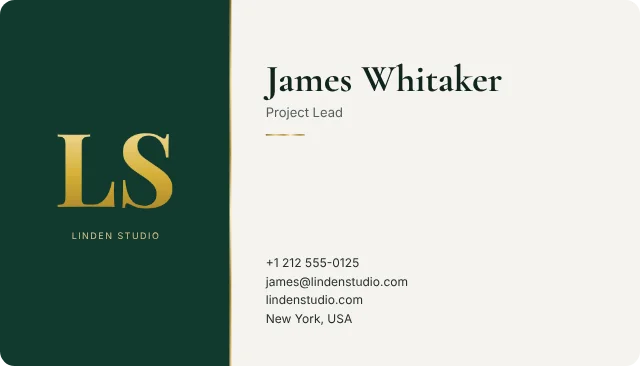
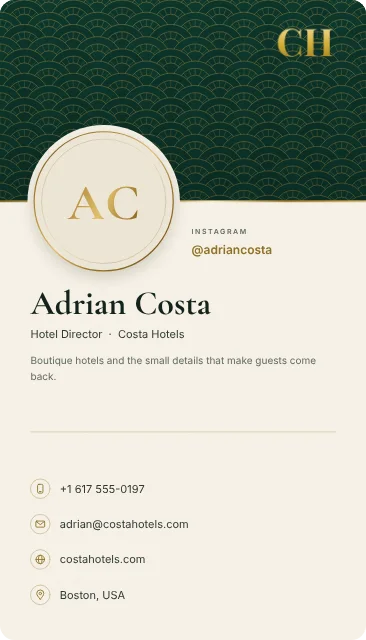
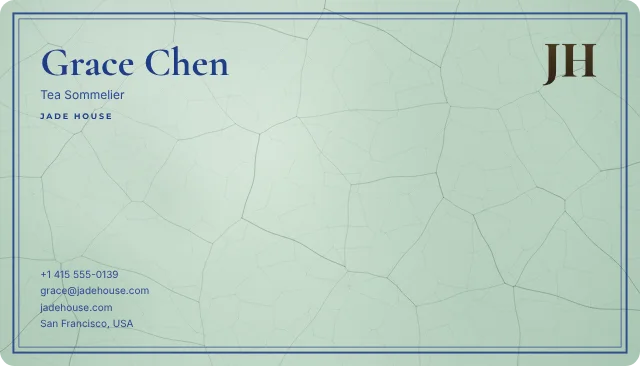
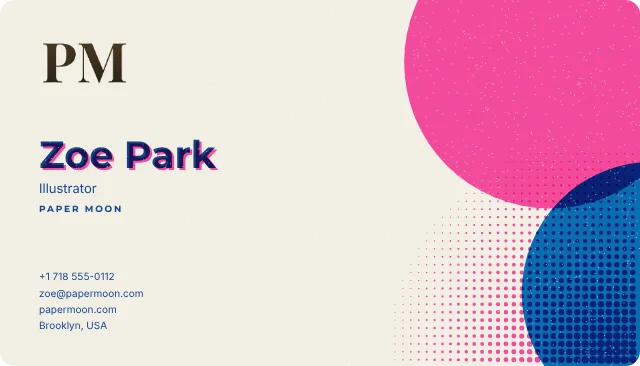
Share it however you meet people
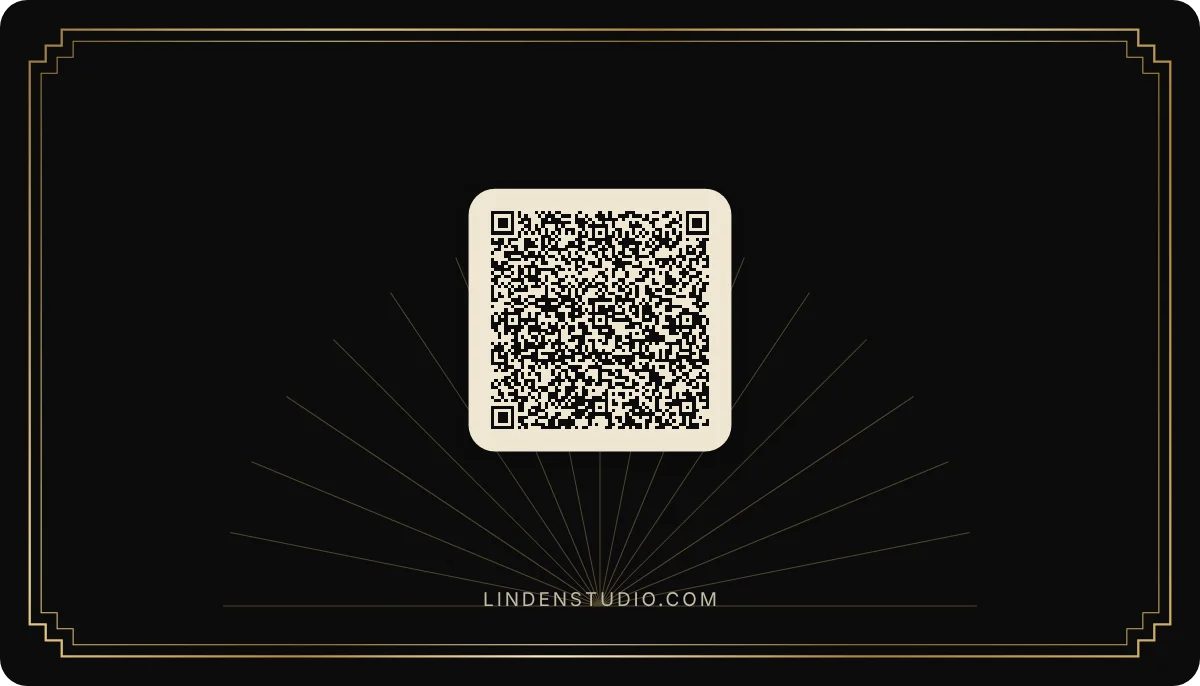
Send your link in a message, show your QR code across the table, or let people find you in your email signature and your video-call background. Whoever opens it can save you to their contacts in one tap.
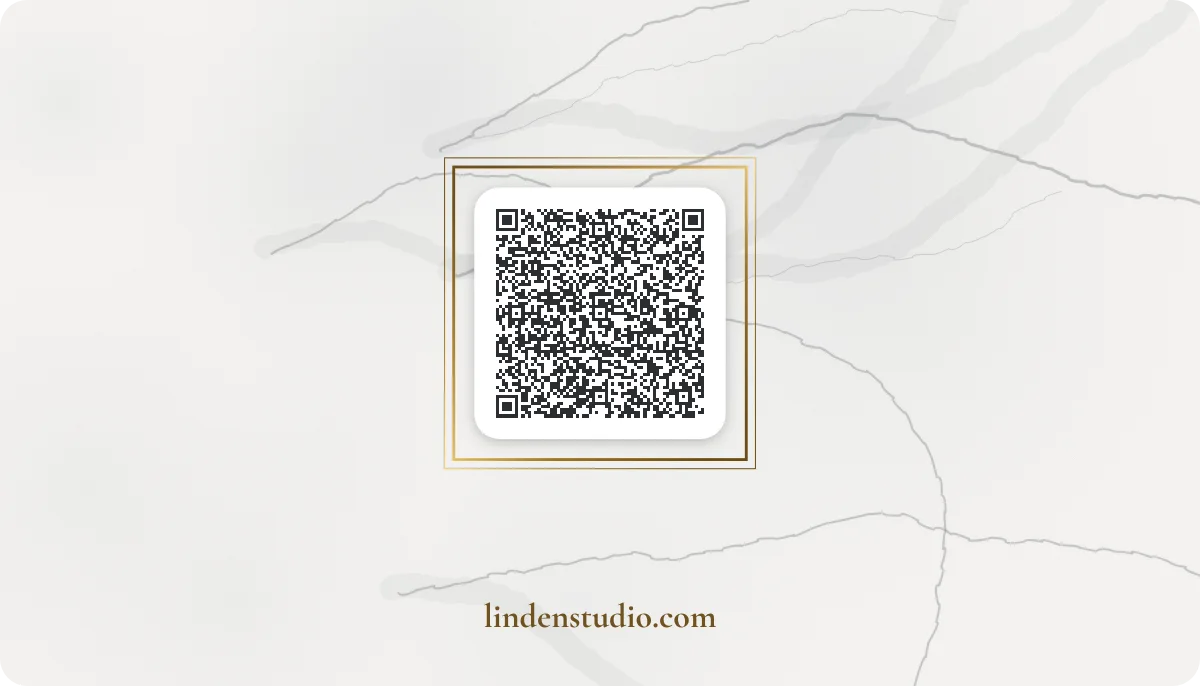
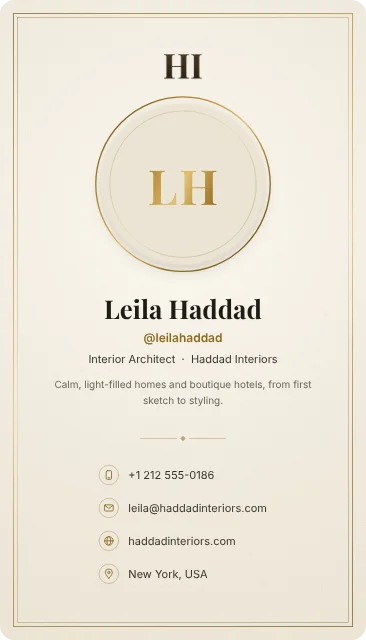
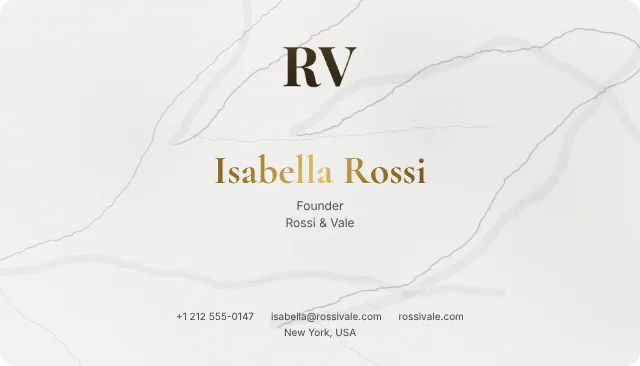
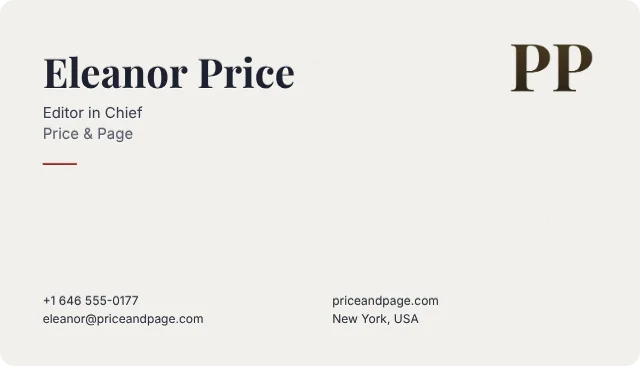
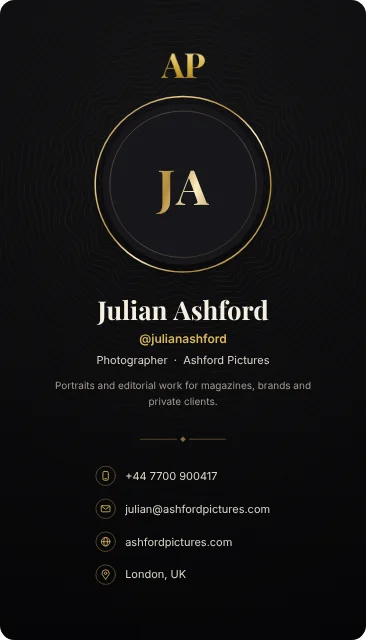
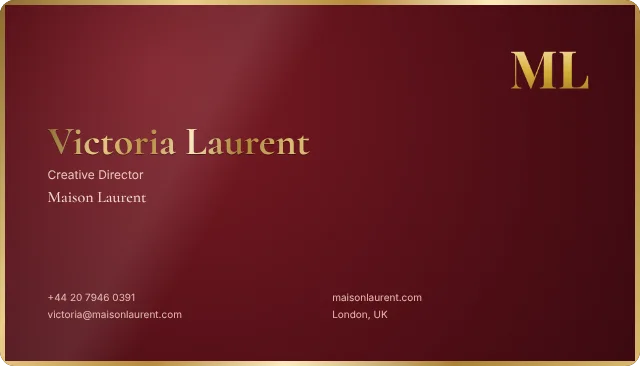
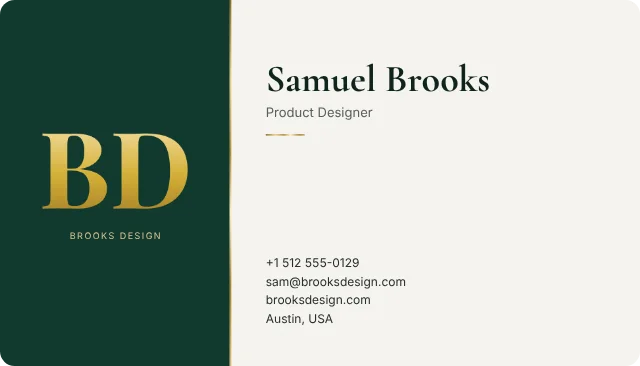
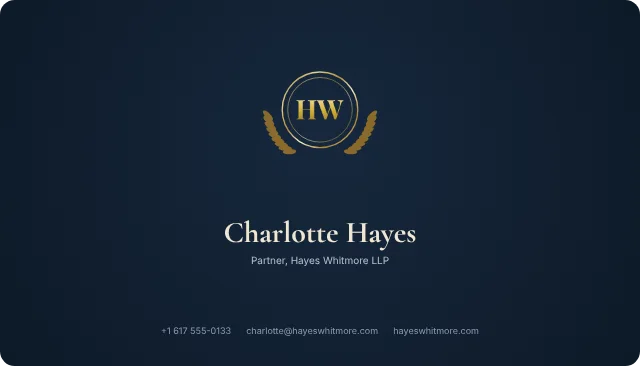
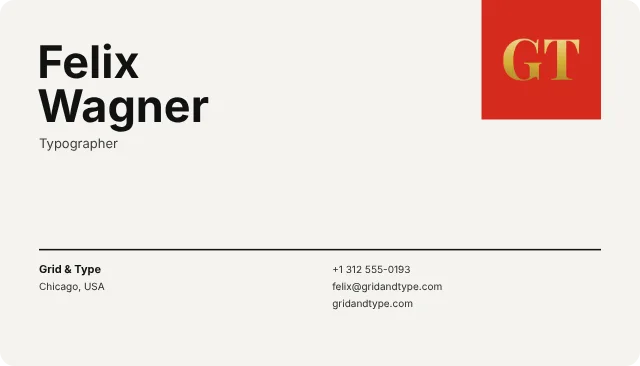
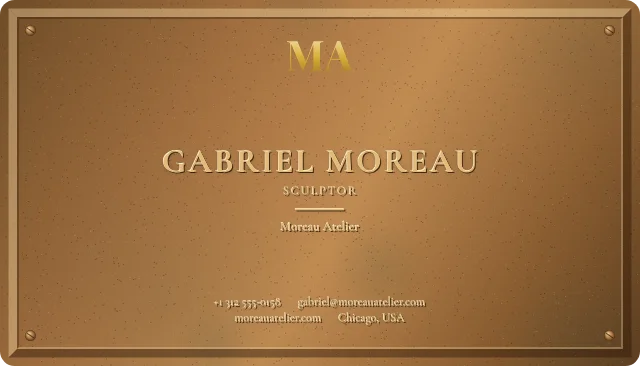
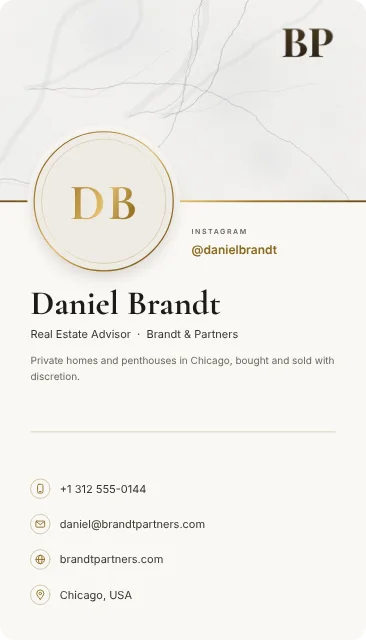
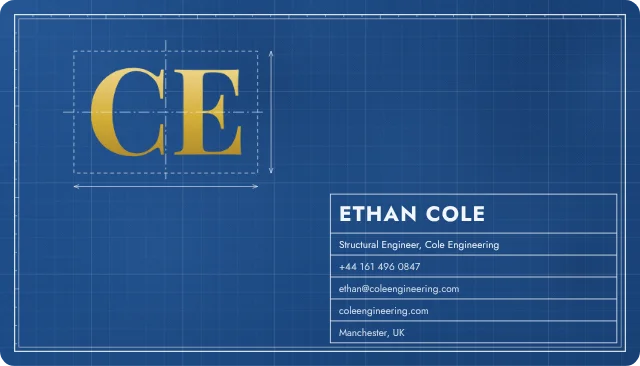
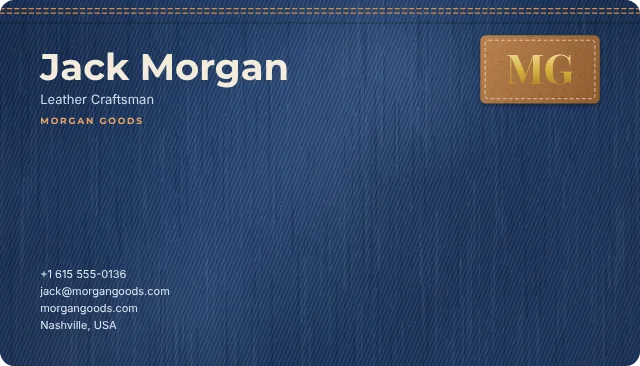
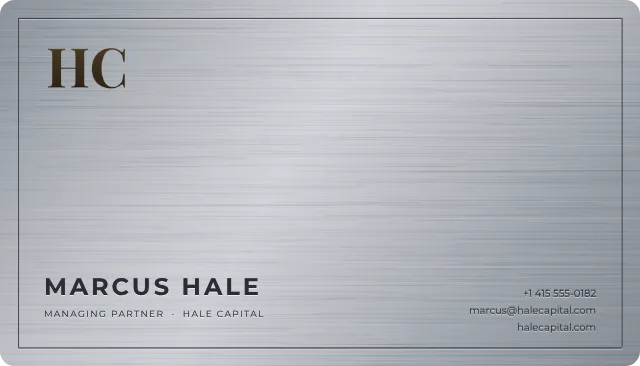
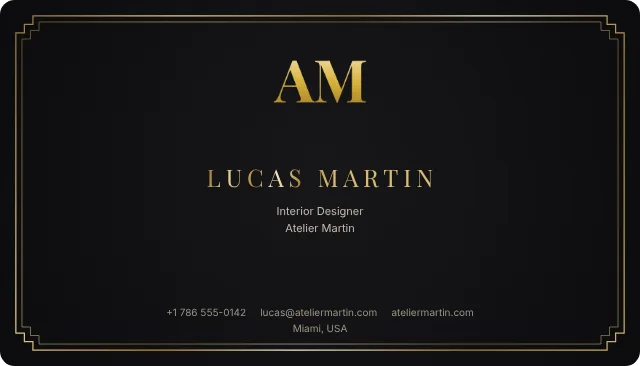
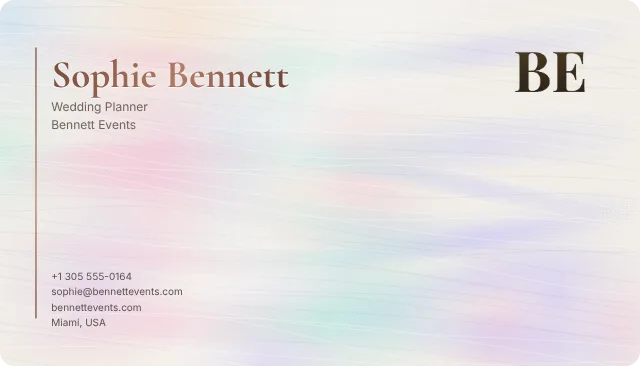
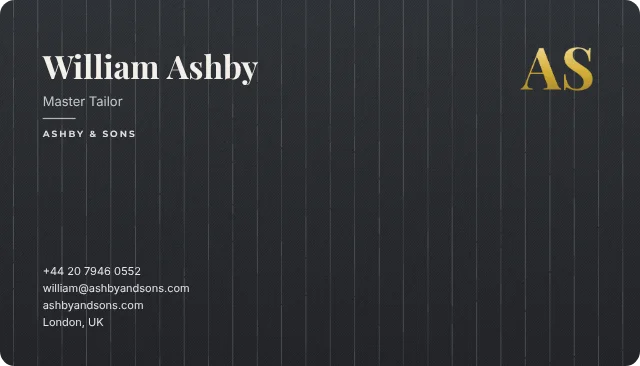
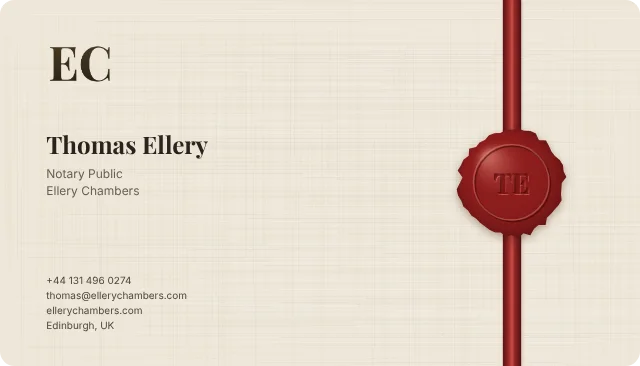
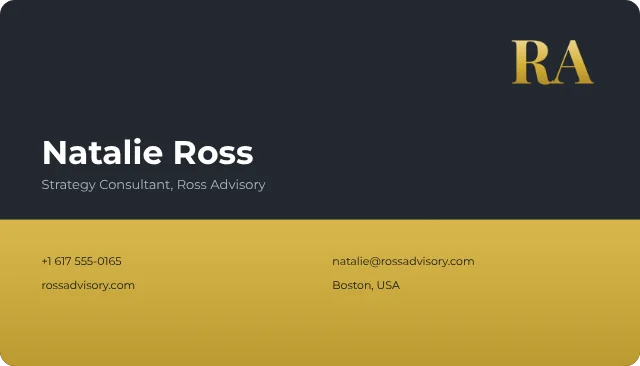
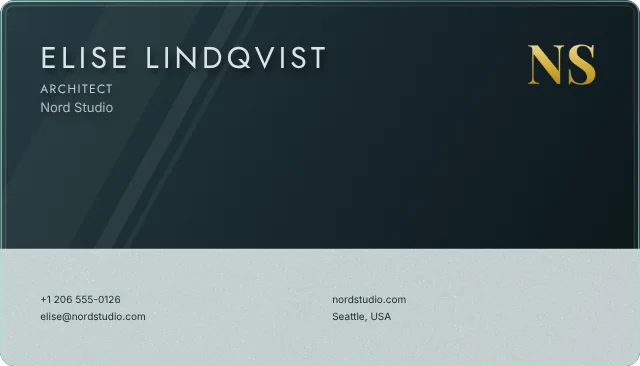
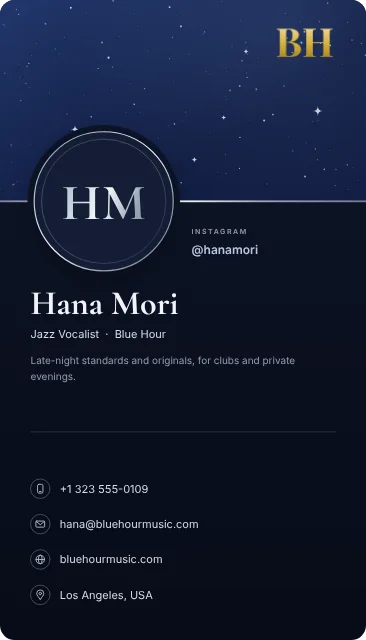
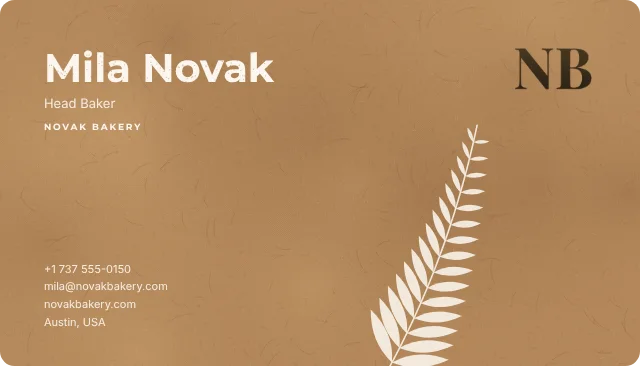
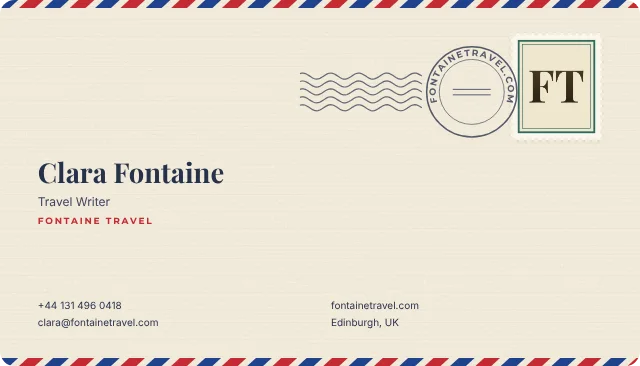
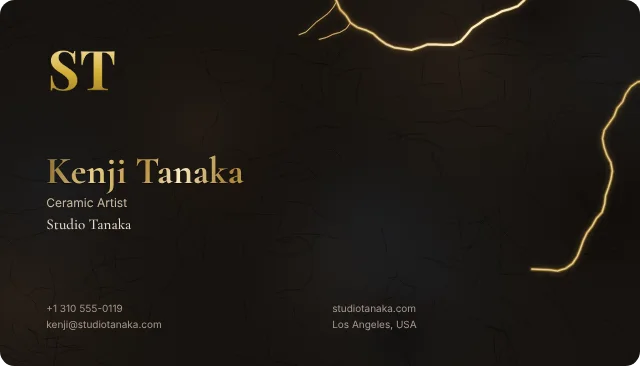
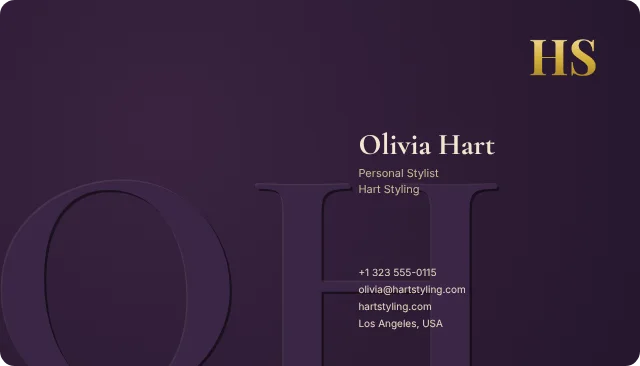
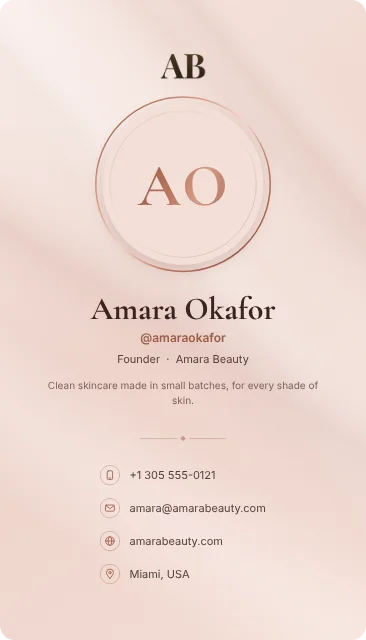
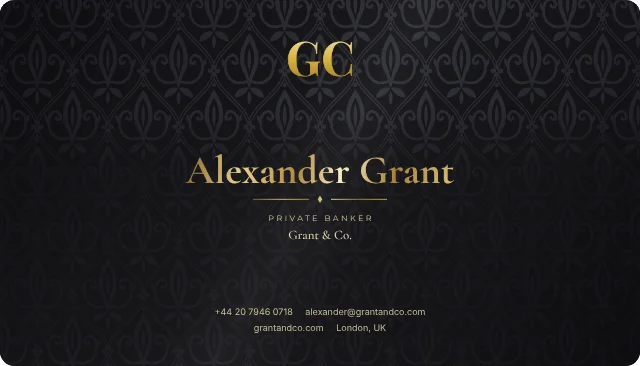
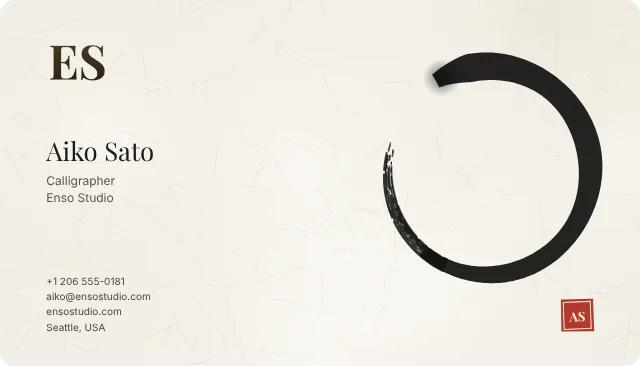
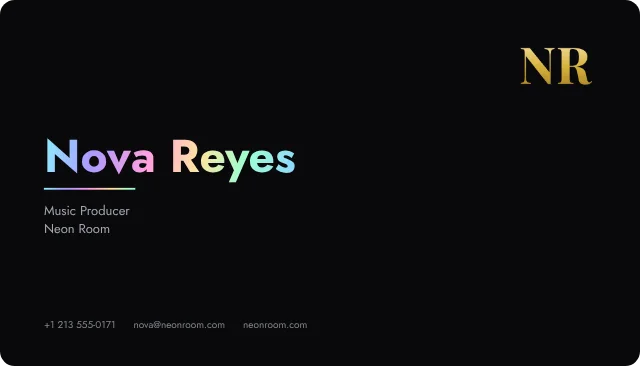
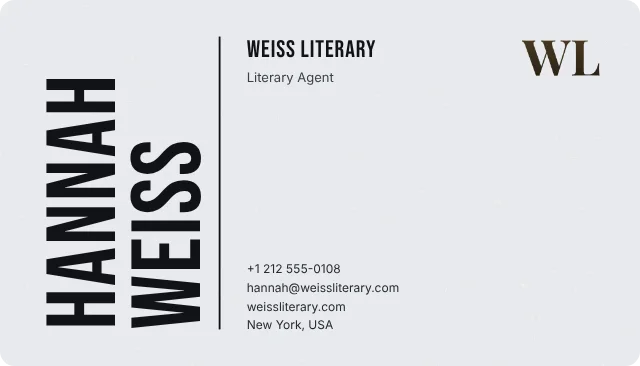
Digital business cards drawn like letterpress, marble and titanium, which you turn in 3D before you share them. Printed NFC cards with your design are coming soon.
Try the demo first. No account needed.
Guilloché Noir
1
Start from one of 32 designs, from marble to letterpress. Royal and Exclusive add your own artwork.
2
Your name, title, contact details and logo, with buttons such as Book a meeting. Your card updates as you type and saves as you go.

3
Publish it, then share your link or QR code, or add it to your email signature. People save you to their contacts in one tap.
Your card is a page people can open, save and answer, and it stays current long after you hand it over.
Send your link in a message, show your QR code across the table, or let people find you in your email signature and your video-call background. Whoever opens it can save you to their contacts in one tap.


Under Save contact, your card invites the people you meet to send you their name and an email address or phone number. They arrive under Contacts in your dashboard, ready to save to your phone or export.

Share your details with Kenji
Your dashboard counts each card's views and the taps on its contact links, and shows where people came from: your QR code, your email signature, your video-call background or a link you shared. On Mondays, a short summary of the week arrives by email.

Isabella Rossi
Marble card
214
views this month, 61 saved as a contact
Make your company card once, then add your people or paste them from a spreadsheet. Each person gets a card in your design with their own name, title and contact details, and a link of their own. Change the design once and every card follows.


Make it once. Everything below comes from the same card and changes with it.
Every plan includes your card's page, its QR code and sharing. Pay monthly or yearly, and cancel any time.
For your first card
$0
Free for as long as you like
1 card, 3 templates and the Noir Profile card
For individuals and freelancers
$2a month
or $19 a year
5 cards, 14 templates and all 6 Social cards
For small businesses
$5a month
or $48 a year
25 cards, 14 Royal templates and card art with your own photo
For companies and agencies
$20a month
or $192 a year
Unlimited cards and 12 Exclusive templates, like Titanium and Kintsugi
Yes. The Free plan includes one card, three templates and the Noir Profile card, and its downloads carry a watermark. Basic, from $2 a month, gives you up to five cards, every Basic and Social design, and every color and font.
No. Your card opens in any browser, on a phone or a computer, and the people you share it with don't need an account.
Publish it, then share its link with the LinkedIn, X or WhatsApp buttons, or copy it and send it however you like. The QR code on your card opens it too, and anyone can save you as a contact in one tap.
Yes. Change your title or number once, and every link and QR code shows it straight away.
Yes. Under Save contact, your card shows Share your details, where the person you met can send you their name and an email address or phone number. You find them under Contacts in your dashboard.
Yes. MyEliteCard works in your phone's browser, so there is no app to install. You can create, edit, publish and share your cards there.
Yes. Share your published card, select Email signature, choose what to include and copy it into Gmail, Outlook or the email app you use.
Yes. From a finished company card, add your people one by one or paste a list from a spreadsheet. Each person gets a card in your design with their own details, and Update team cards brings a new design to all of them.
Every card you share is one less you print. Your first one is on us.