Photographers
A digital business card for photographers
A photographer’s card should look like your work. A digital card can carry one of your own photographs, link your portfolio and booking page, and go to a client at a shoot, an exhibition or a wedding fair without a box of prints.
What to put on it
- Your name, what you shoot and where: “Wedding and portrait photography, Lisbon.”
- Your portfolio website and Instagram.
- Your phone and email for bookings.
- A short bio next to your portrait, on an upright Social card.
Show your work on the card
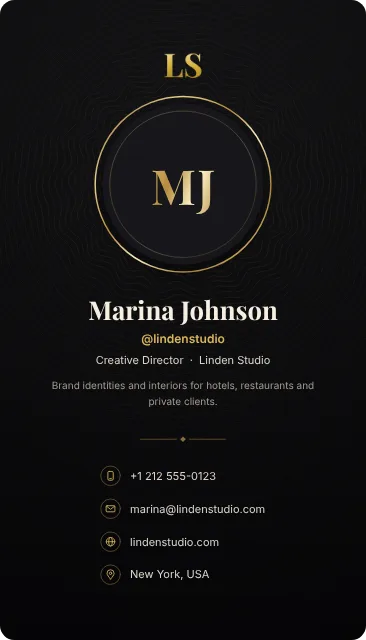
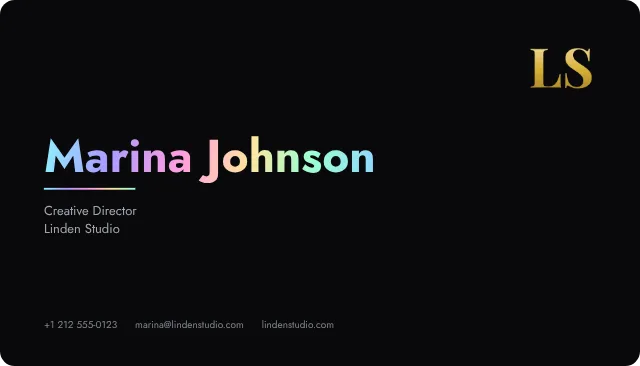
On Royal and Exclusive, card art puts one of your own photographs on the card. Move it, zoom in, and darken or blur it so your name stays easy to read. Or start from a design: an upright card with your portrait, a two-color risograph print, or matte black with an iridescent name.

How to make yours
You can try every design before you register. The builder shows which plan a card for a photographer needs, from the free plan to Exclusive.
- Open the card builder. You don’t need an account to start.
- Add your details, then choose a design and add your logo or photo.
- Add buttons for the next step: booking, a portfolio or a message.
- Turn the card in 3D and check which plan it needs.
- Create your account, publish the card and share it.
Keep exploring
Card design
Design a business card around the introduction you want to make
Design a premium digital business card with templates, card art and text-size controls. Learn how to choose a layout, use your logo and keep details readable.
Consultants
A digital business card for consultants and coaches
A digital business card for consultants and coaches: a design that looks like your brand, a button to book a discovery call, and a background for video calls.
Architects and designers
A digital business card for architects and interior designers
A digital business card for architects and interior designers: designs drawn with care, your studio and portfolio, and a button to start a project.