Real estate agents
A digital business card for real estate agents
Buyers and sellers meet you at showings and open houses, usually with a phone already in hand. A digital card gives them your number, your listings and a way to book a viewing in one place, and it stays correct when your number or brokerage changes.
What to put on it
- Your name, photo and title, so people remember you after the showing. The upright Social cards put your photo on the card itself.
- Your brokerage and its logo. Many states and brokerages require the brokerage name on agents’ marketing, and some ask for a license number; check what yours requires.
- Your mobile number, email and website or listings page.
- One line on your area or specialty, such as “Downtown condos” or “First homes in Austin.”
Designs that suit real estate
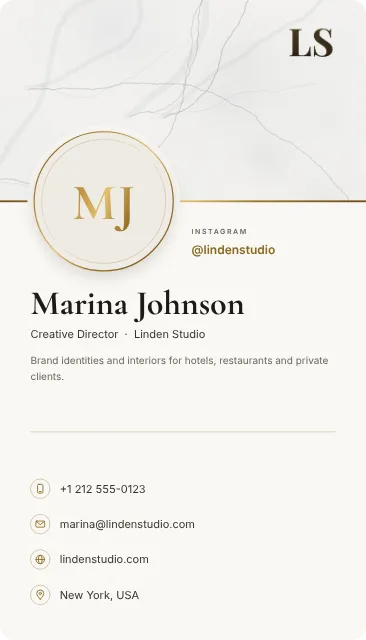
Stone and gold for luxury listings, a band in your brokerage’s color for an office look, or an upright card with your photo. Each one turns in 3D before you choose.


How to make yours
You can try every design before you register. The builder shows which plan a card for an agent needs, from the free plan to Exclusive.
- Open the card builder. You don’t need an account to start.
- Add your details, then choose a design and add your logo or photo.
- Add buttons for the next step: booking, a portfolio or a message.
- Turn the card in 3D and check which plan it needs.
- Create your account, publish the card and share it.
Keep exploring
QR sharing
A QR code business card that leads to your current details
Use a QR code to share your digital business card. Learn how card links work, where to place your QR code and what to test before printing or sharing.
Financial advisors
A digital business card for financial advisors
A digital business card for financial advisors: a measured design, your firm and credentials, a button to book a review, and details clients save in one tap.
Architects and designers
A digital business card for architects and interior designers
A digital business card for architects and interior designers: designs drawn with care, your studio and portfolio, and a button to start a project.